Liens 1 vers N - Actions
We are now going to go a little bit further and create a task for a specific employee.
It is very easy to create an entity using parent Entity !
Commençons par télécharger le Projet Starter :
Créer une action addProject
Ouvrez l'éditeur de projet et cliquez sur la section Action.
Add a
addProjectAction
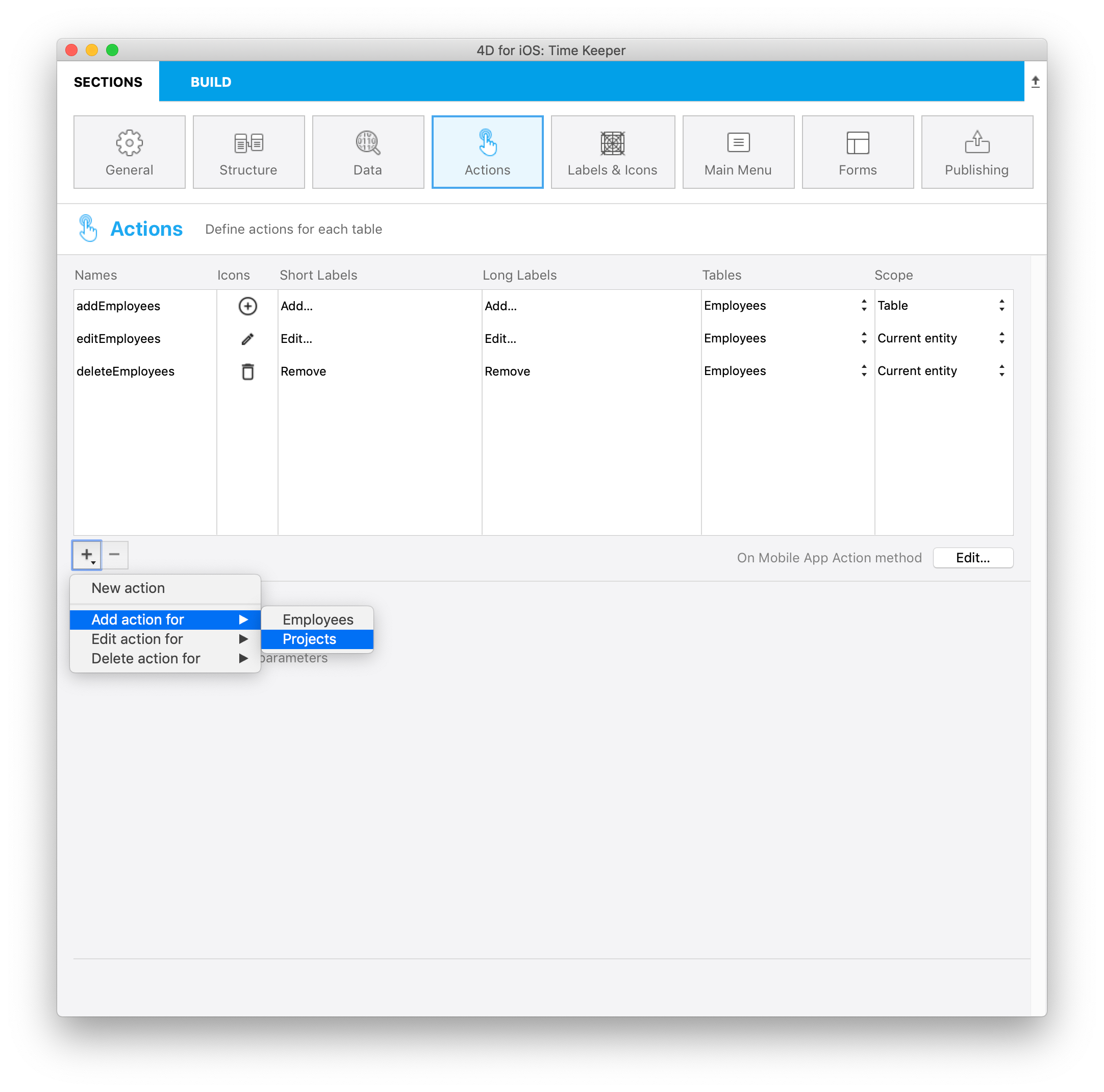
Sur une action app mobile
The only thing you have to do is defining the addProject action in the On Mobile App Action method as follows :
: ($request.action="addProjects")

$o:=New object(\
"dataClass";$context.dataClass;\
"parent";$context.parent;\
"entity";$context.entity;\
"parameters";$parameters)

$result:=addProject ($o)
Méthode addProject
Then enter thoses lines in your addProject Method:
C_OBJECT($0)
C_OBJECT($1)

C_OBJECT($entity;$in;$out)

$in:=$1
$out:=New object("success";False)

If ($in.dataClass#Null)

    $entity:=ds[$in.dataClass].new()  //Créer une référence

    For each ($key;$in.parameters)

        $entity[$key]:=$in.parameters[$key]

    End for each

    $primaryKey:=$in.parent.primaryKey   //Lire clé primaire parente

    $parent:=ds[$in.parent.dataClass].get($primaryKey)

  $inverseRelationName:=$in.entity.relationName   //Lire nom du lien parent

    $entity[$inverseRelationName]:=$parent

    $status:=$entity.save()  //sauvegarder l'entité

    $out.success:=True  // notifier l'application que l'action est réussie

    $out.dataSynchro:=True  // notifier l'application pour mettre à jour la sélection

    $out.statusText:="Task added"

    $out.close:=True

Else

    $out.errors:=New collection("No Selection")

End if

$0:=$out
And that's it you can then add some task to your employees easily using the parent Entity !
Téléchargez le projet final :